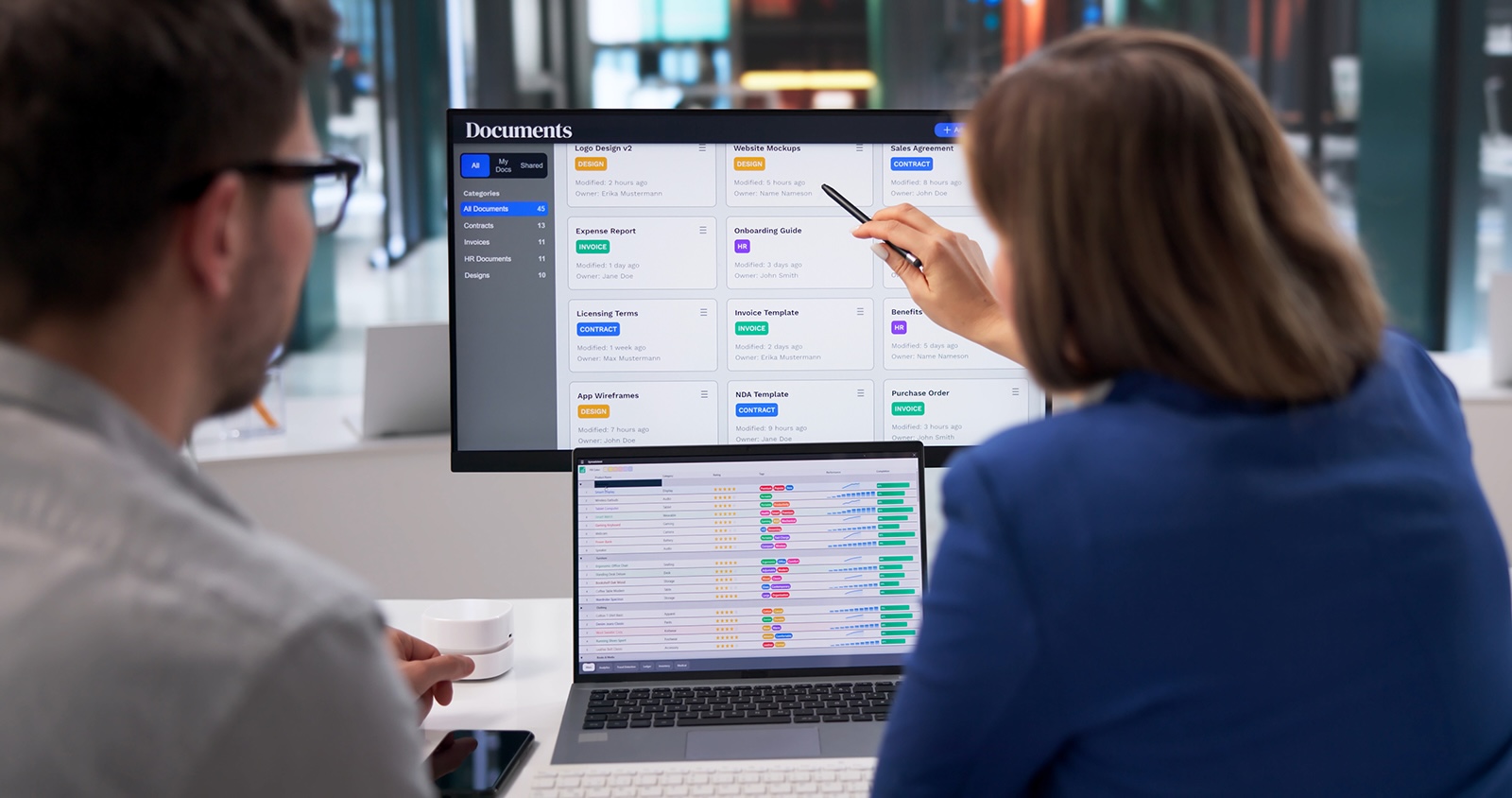

As part of a digitalization strategy, automated document creation offers considerable efficiency, quality and compliance benefits for companies and organizations. High economies of scale can be achieved, especially in companies with a large number of employees (1000+). But how can document creation be automated and optimized in existing HR systems such as Workday? We deal with this topic in our new Workday whitepaper and present additional modules for document creation and electronic personnel files from ESCRIBA.
Stay up to date on HR software and document creation and follow ESCRIBA on LinkedIn.
Estimated reading time: 7 minutes
Overview
Complete repetitive tasks faster and with fewer errors
Traditionally, the creation of documents was a manual task that is still often time-consuming today. Especially in medium-sized and large companies as well as in organizations with hundreds or thousands of employees, document creation is still one of the most resource-intensive and time-consuming tasks. With automated document creation, these repetitive tasks can not only be completed faster, but also largely error-free and in line with compliance and corporate design requirements.
Anyone who creates a large number of documents in different contexts and with varying circumstances knows the challenge of ensuring that the content in all documents meets the existing operational and legal requirements and is congruent with the data in the systems. This is why efficient document management is indispensable for companies and organizations today. This is the only way to create, send and then securely archive individual and highly complex documents in a legally compliant and resource-efficient manner.
Mehr Ordnung im Dokumentenchaos mit Lösungen wie ESCRIBA EDS
The flood of data in recent years and the increased complexity of IT landscapes and office applications have led to so-called data silos in companies and organizations. These contradict the document as a “single source of truth”. The result is scattered data, a confusing multitude of inconsistent document templates, different versions and, in the worst case, the existence of outdated documents and templates that continue to be used for business processes.
This document chaos can be countered with effective document management including automated document creation. The implementation of ESCRIBA Enterprise Document Services (EDS) on the ECAP no- and low-coding platform shows what an effective measure looks like. This software solution for documents works both “stand-alone” and deeply integrated into existing systems such as Workday.
ESCRIBA bietet effiziente Dokumentenerstellung für Workday
As a Workday partner, we offer a dedicated solution in the form of the ESCRIBA Document Automation Connector “Built on Workday”. This is a document application that has been tested and approved by Workday experts. This ensures maximum compatibility with the existing Workday landscape and a high level of update security. The ESCRIBA eFile Automation Connector also facilitates the connection of the digital personnel file with Workday and works seamlessly with the Document Automation Connector. Both applications complement each other perfectly and make your document workflows in Workday much simpler and more efficient.
Find out everything you need to know about the Workday Connectors from ESCRIBA: HR software for Workday.
However, ESCRIBA’s document solutions offer another advantage over the competition: they can also be easily implemented outside of Workday in complex system landscapes consisting of several systems. They act as a data link and thus enable the creation of documents from different data sources. It doesn’t matter whether you work with SAP SuccessFactors, Workday, Oracle or Dayforce: ESCRIBA’s document creation can be easily connected via the integration server. Find out more about the ESCRIBA Integration Server (EIS) here: Integration
Automated document creation in detail
Automated document creation uses software and IT technologies to create documents based on predefined templates and data sources. Instead of manually creating each document from scratch, automation mechanisms can be used to retrieve data from different systems and seamlessly insert it into text elements, resulting in dynamically created content. Automated document creation systems are usually based on predefined templates that also contain predefined placeholders for dynamic content (such as employee data or contract terms). These placeholders are filled with relevant data from company databases, which are usually available in systems such as SAP or Workday.
Enterprise Document Services (EDS), for example, relies on advanced, dynamic document creation in which document-specific data follows rule-based logics, the result of which flows directly into the document. This makes it easy to create complex and, if required, multilingual documents with just a few clicks. Once the desired document has been created, it can be sent to a print line for printing via devices or interfaces, sent by e-mail and, if desired, automatically stored in an electronic file or other storage location. All this can even be done in a single process step by creating a document bundle consisting of several documents just once and then sending it via the various channels.
Optimize documents in Workday with additional modules
Software systems such as Workday are an essential component of companies. They map all the important business processes that are necessary for running a company. Workday, for example, combines finance, human resources and planning on an open, cloud-based platform. According to Workday, this approach enables real-time contextual reporting and seamless processes for insightful insights and an intuitive user experience.

As an HR system, Workday offers an enormous range of functions, including the automatic creation of documents. However, EDS is much more comprehensive and versatile in terms of possible applications. The partnership between ESCRIBA and Workday makes it possible to integrate EDS into Workday processes as a useful addition. As a result, Workday customers benefit from a wider range of functions for document creation without having to switch systems. In addition, ESCRIBA applications such as the Workday Document Automation Connector are certified as “Built on Workday”. This ensures the greatest possible compatibility and update security with the Workday backend system.
For example, EDS enables intelligent document templates and efficient workflows for creating individual documents according to the modular principle. Text modules and layout elements are maintained and stored centrally and can be reused. In addition, editing approvals and access rights can be freely defined. These and many other functions ensure simpler processes and ultimately greater efficiency in document creation.
Would you like to find out more about the integration of ESCRIBA EDS as an additional module for documents in Workday? Please contact us to arrange a consultation.