

SAP SuccessFactors is one of the world’s leading cloud-based HR systems. Nevertheless, many HR teams struggle daily with inefficient data and document processes, outdated templates, and error-prone copy-and-paste workflows. With the right add-on modules, however, document management in SuccessFactors can be made not only significantly more efficient but also fully automated. In this article, we’ll show you how to successfully implement automated documents in SAP SuccessFactors. For even more in-depth information, check out our white paper, “Powerful, Automated Document Creation in SAP SuccessFactors.”
Stay up to date on HR software and document creation by following ESCRIBA on LinkedIn.
Estimated reading time: 10 minutes
Overview
- The problem: SuccessFactors can do a lot—but not everything
- Bring order to your document chaos with ESCRIBA’s solutions
- Why Automated Document Generation Is Essential Today
- So funktioniert ESCRIBA EDS in SAP SuccessFactors
- Document automation with various data sources
- Automated Documents in SAP SuccessFactors: A Detailed Look
- The key benefits of ESCRIBA EDS at a glance
- Case Study: REWE Group Chooses ESCRIBA for SAP SuccessFactors
- Conclusion
The problem: SuccessFactors can do a lot—but not everything
SAP SuccessFactors is a powerful all-in-one platform for HR processes. HR professionals use it every day for workforce planning, talent management, payroll, and much more. But when it comes to creating complex, legally compliant documents, even leading HR systems quickly reach their limits.
The result is often the same: Different departments maintain their own collections of templates in Word or SharePoint, text blocks are copied and pasted manually, and legal changes must be incorporated into dozens of files by hand. On top of that, data silos prevent information from different systems from flowing together automatically. This creates a classic scenario for errors, delays, and compliance risks.
Bring order to your document chaos with ESCRIBA’s solutions
The flood of data in recent years, along with the increased complexity of IT landscapes and office applications, has led to the creation of so-called data silos in companies and organizations. These silos clearly contradict the concept of the document as the “single source of truth.” The result is scattered data, a confusing multitude of inconsistent document templates, and differing document versions. In the worst-case scenario, outdated document templates containing invalid text passages are sent to business partners.
This document chaos can be tackled with an effective document management system that includes automated document generation. The implementation of ESCRIBA Enterprise Document Services (EDS) on the ECAP no-code and low-code platform demonstrates what an effective solution looks like. This document management solution can be used either as a standalone application or deeply integrated into existing systems such as SAP SuccessFactors.
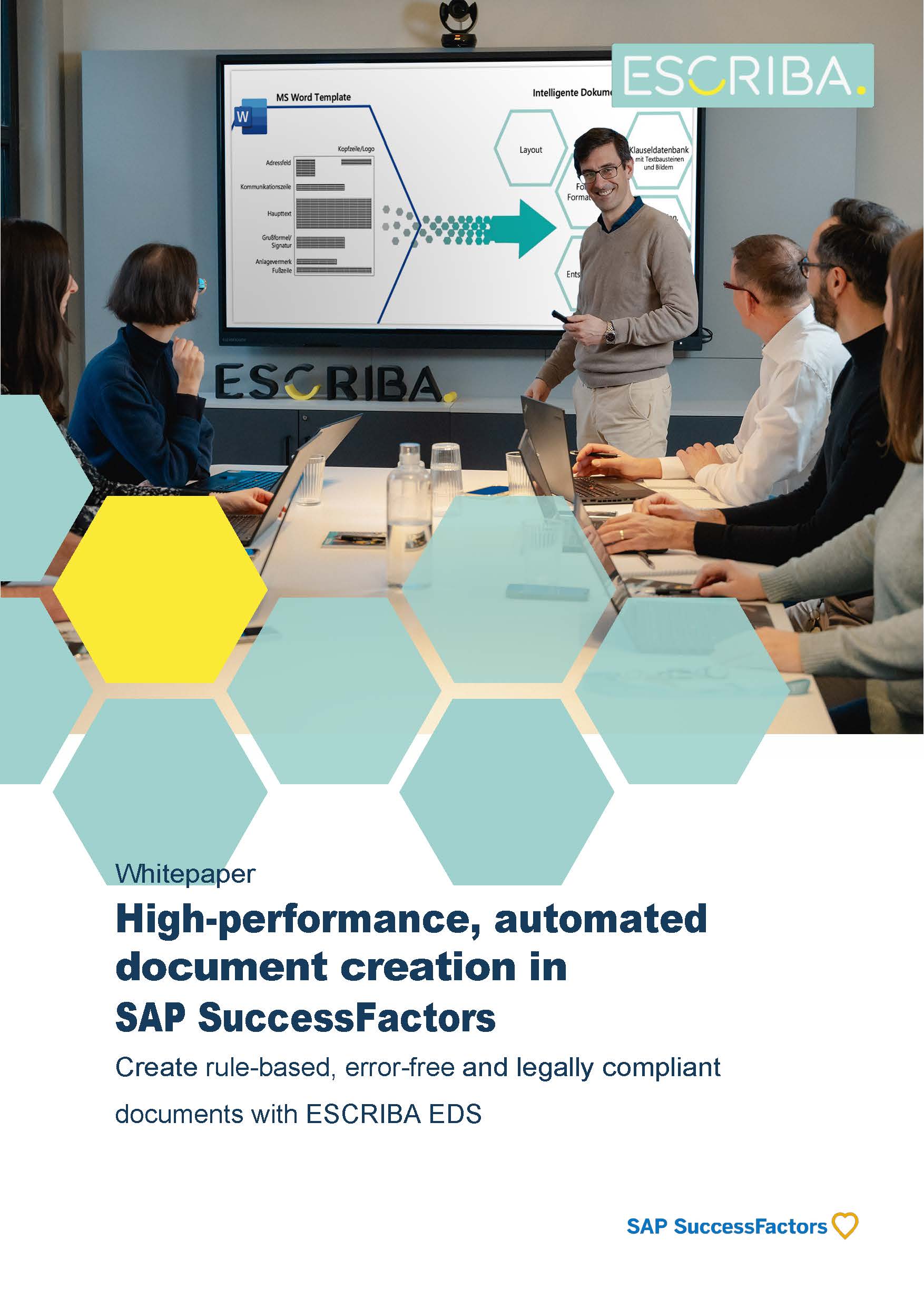
Why Automated Document Generation Is Essential Today
Anyone working in human resources today—whether in a corporate HR shared service center or at a medium-sized company—knows that the volume of documents that need to be prepared is constantly growing. Employment contracts, supplementary agreements, employment references, certificates, and written warnings—all of these must be drafted in a legally sound, customized, yet efficient manner.
This is no longer scalable when done manually. For companies with 500+ employees or corporations with thousands of employees, inefficient document processes tie up significant amounts of time, while costs skyrocket. The solution is obvious: automated documents that can be easily integrated into a leading system like SAP SuccessFactors via an add-on module. This allows HR staff to create intelligently configured, template-driven documents directly from their familiar HR system.
So funktioniert ESCRIBA EDS in SAP SuccessFactors
ESCRIBA Enterprise Document Services (EDS) is a specialized software solution for automated document creation and management that integrates seamlessly with SAP SuccessFactors. Unlike static Word templates, EDS uses dynamic document modules: It retrieves data directly from SuccessFactors and inserts it into the relevant document based on rules, ensuring error-free results.
At its core is an object-oriented database that allows you to centrally manage all layouts, text elements, logos, rules, and calculation logic. These building blocks are used to create fully customized documents—without the need for manual reformatting or data maintenance across multiple systems.
The ESCRIBA Integration Server (EIS) serves as the technical bridge between ESCRIBA EDS and SAP SuccessFactors. It acts as a data hub, retrieving master and transaction data from SuccessFactors via the OData interface, and can also write results back into the system as needed—bidirectionally, provided the API allows it. Important to note: The ESCRIBA Integration Server 2.0 is certified by SAP for SuccessFactors and is also available directly through the SAP Store.
Learn everything you need to know about ESCRIBA’s certified HR modules for SAP SuccessFactors: HR software for SAP SuccessFactors
Document automation with various data sources
Unlike competing solutions, ESCRIBA’s document solutions offer a major advantage. They can be easily implemented outside of SAP SuccessFactors in complex system landscapes consisting of multiple systems. In doing so, they act as a data bridge, enabling the creation of documents from various data sources. Whether you work with SAP SuccessFactors, Workday, Oracle, Dayforce, or Excel spreadsheets, ESCRIBA’s automated document generation can be easily integrated via the Integration Server. Learn more about the ESCRIBA Integration Server (EIS) here: Integration
Automated Documents in SAP SuccessFactors: A Detailed Look
For HR staff who work with SuccessFactors on a daily basis, ESCRIBA EDS changes very little about the familiar interface—the process simply runs much more efficiently in the background. Specifically, the process works as follows:
1. Select a document: The HR employee selects the required document type directly in SAP SuccessFactors—for example, an employment contract or a reference letter.
2. Select employees: The relevant master data is automatically retrieved from SAP SuccessFactors—no copying and pasting, no manual data entry.
3. Fill in missing information: If certain data is not stored in the system, an intelligent assistant dialog prompts the user for this information and guides them through a series of questions.
4. Choose an output method: Print, send via email, digitally sign, or automatically save to the electronic personnel file—all in a single step.
5. Done: The document automatically complies with the company’s CI guidelines, current legal requirements, and the data stored in SuccessFactors.
The key benefits of ESCRIBA EDS at a glance
Accuracy and legal certainty
Thanks to rule-based document logic, all generated documents automatically comply with current legal and company requirements. Outdated clauses and incorrectly entered data are a thing of the past.
Up to 90 percent time savings
What used to take hours can now be done in seconds with ESCRIBA EDS. ENERCON, for example, was able to reduce the time it takes to draft employment contracts from 6.25 hours to just 45 minutes—a 78% time savings.
Less maintenance thanks to modular templates
Text elements and clauses are maintained centrally and are immediately available in all relevant documents. If a passage in a collective bargaining agreement or a legal provision changes, it is updated in a single location—and automatically applies to all subsequent documents.
Complex documents without any programming required
Thanks to the no-code and low-code AI technology of the ESCRIBA ECAP platform, HR teams can configure even complex templates, rules, and workflows—without involving developers. This keeps the solution agile, even when legal requirements change at short notice.
Multi-system compatibility
A key advantage of ESCRIBA EDS over standard all-in-one solutions is its ability to consolidate data from multiple systems—such as SAP HCM, SAP SuccessFactors, and other back-end systems—into a single document. This makes it ideal for corporations with parallel system landscapes.
Case Study: REWE Group Chooses ESCRIBA for SAP SuccessFactors
The REWE Group faced a challenge typical of large corporations: decentralized HR document processes, inconsistent templates across the organization, and a lack of standardization—a situation exacerbated by the transition to SAP SuccessFactors as the new group-wide HR platform.
With ESCRIBA EDS, we were able to centralize all HR documents and integrate them into both SAP HCM and SAP SuccessFactors in a rule-based and automated manner. The result: a seamless, end-to-end digital process for all group-wide HR document creation—without media breaks or duplicate data entry.
“The extensive customization options for documents that ESCRIBA offers enable us to respond effectively to the diverse needs and requests of our business units,” says Joachim Pleiß, Head of HR Technology & Solutions at the REWE Group. Learn more about the use case with REWE.
Conclusion
SAP SuccessFactors provides an excellent foundation for modern HR management. However, automated, scalable, and legally compliant document generation requires a specialized add-on module. ESCRIBA EDS effectively fills this gap—certified by SAP, seamlessly integrated, and proven in more than 100 companies, including numerous DAX and MDAX-listed corporations.
Would you like to learn more about integrating ESCRIBA EDS as an add-on module for documents in SAP SuccessFactors? Please feel free to schedule a consultation.